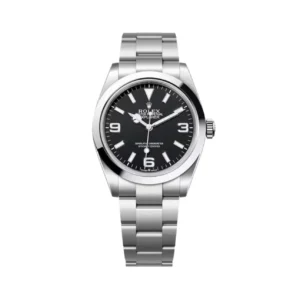
ROLEX COLLECTION
EXPLORER II
Browse Explorer II references by dial, bezel, GMT configuration, movement, bracelet and Factory / Version.
EXPLORER II COLLECTION
KEY CONFIGURATIONS
Compare the exact reference and product configuration rather than relying only on the collection name.Product-level specifications take priority over general collection information.
01
Reference
02
Dial
03
GMT Function
04
Bracelet
CURRENT COLLECTION
EXPLORER II WATCHES
Browse the current products assigned to the Explorer II collection.
10 PRODUCTS
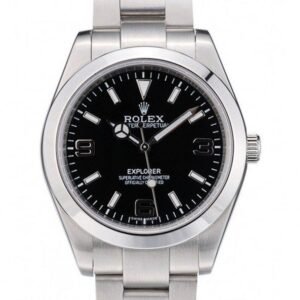
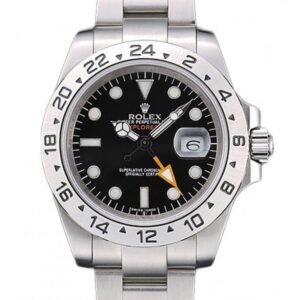
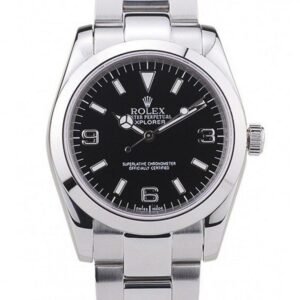
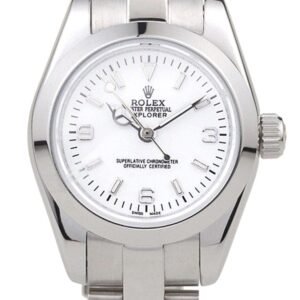
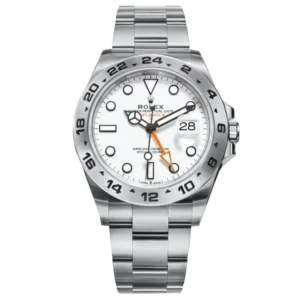
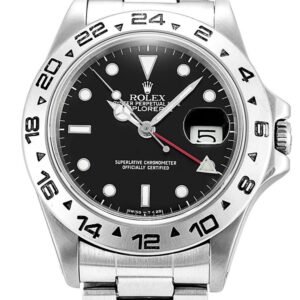
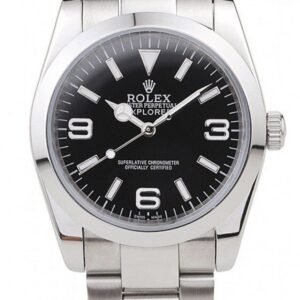
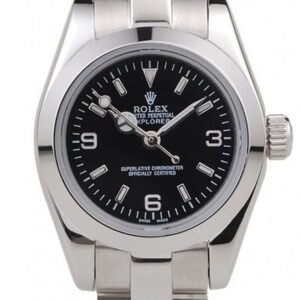

PRODUCT COMPARISON
WHAT TO COMPARE
Use the exact product listing to compare reference, dimensions, visible configuration, movement and Factory / Version.
01
Reference
Confirm the exact Rolex reference and product configuration.
02
Case Size
Compare the listed case dimensions for the individual product.
03
Movement
Review the movement and function information provided for that listing.
04
Dial
Compare dial color, layout, printing and visible configuration.
05
Bezel
Review bezel style, color and material where applicable.
06
Bracelet
Compare bracelet or strap configuration and clasp.
07
Factory / Version
Compare the exact Factory / Version shown for the specific product.
08
QC
Use available QC information to review the condition and functions actually checked.
REAL QC / TESTING
CHECK THE ACTUAL WATCH
Test results should only be displayed when the specific product was actually inspected or measured.No pressure-test, timing or function result is assumed from the collection name alone.
01
Exterior
Case, crystal, bezel, dial and visible condition.
02
Functions
Crown, winding, date, GMT or chronograph where applicable.
03
Bracelet & Clasp
Bracelet, links, clasp and operation.
04
Recorded Test Data
Timing or pressure results are shown only when actually performed.
CUSTOMER REVIEWS
DELIVERY & CUSTOMER EXPERIENCE
This area is prepared for real buyer reviews, delivery photos and customer unboxing content.Until verified customer material is added, preview cards are clearly identified as samples.
SAMPLE REVIEW / LAYOUT PREVIEW
★★★★★
Explorer II Review Layout
Verified customer feedback can later appear here with product reference, country, date, customer photo or unboxing media.
SAMPLE REVIEW / LAYOUT PREVIEW
★★★★★
Delivery Photo Layout
This card can be replaced by an actual customer delivery photo and verified order information without changing the page design.
SAMPLE REVIEW / LAYOUT PREVIEW
★★★★★
Unboxing Layout
Customer unboxing video or delivery media can later be attached here when genuine customer material is available.
SAME COLLECTION
MORE FROM EXPLORER II
COLLECTION FAQ
EXPLORER II FAQ
Use product-specific information when comparing a reference or configuration.
01 What should I compare on an Explorer II? +
Compare reference, dial, bezel, GMT function, movement, bracelet and Factory / Version.
02 Where can I confirm the GMT operation? +
Use the exact product specifications and any available functional QC.
03 Are all Explorer II products the same size? +
Confirm the listed dimensions on the individual product page before ordering.
ROLEX COLLECTION
EXPLORE EXPLORER II WATCHES
Compare the exact product configuration, review the specifications and contact us if you need help comparing references or versions.